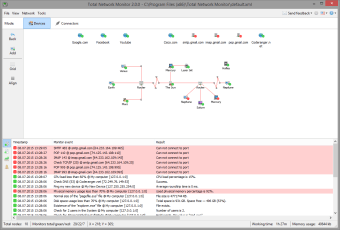
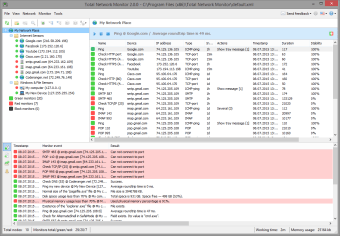
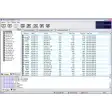
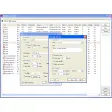
Total Network Monitor is mainly aimed at system and network administrators, which means it may be a bit difficult to use for the average user. It features a clear interface with three main areas from which you can conveniently arrange monitored devices into different groups and monitor them all at a glance.
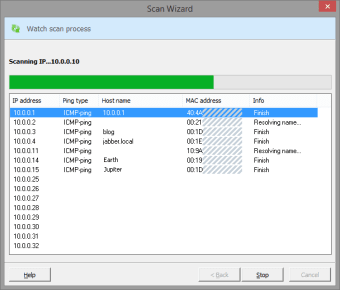
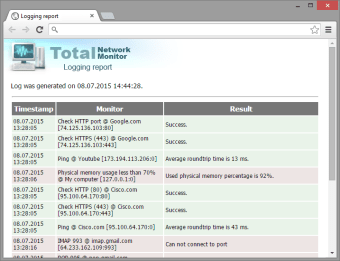
You can add devices manually or use the program's wizard-like scan to locate and add a bunch of networked devices at the same time. From that moment on, Total Network Monitor will supervise their performance and alert the network administrator in case there's kind of error or system failure, generating a detailed report about each registered issue.
Total Network Monitor is a fully featured monitoring tool for system and network administrators that may be a bit too complicated for the average user.
Total Network Monitor 2 is a network monitoring software program that is designed to continuously monitor your local network
Monitor is a special type of object that keeps track of a particular aspect of service operation, server health, or a file system. You create monitors, fine-tune them to meet your individual demands and run them, and they display the status of your network in real time.
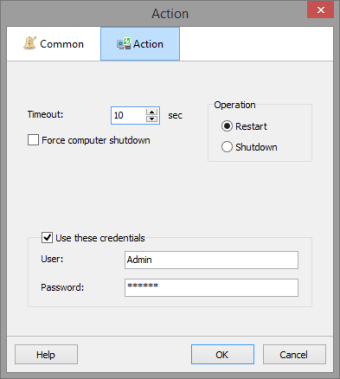
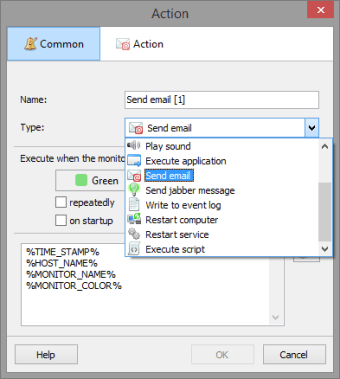
If any parameter deviates from its normal state, the monitor executes the action set that is predefined by the user, e.g. plays a sound, sends a detailed description of the incident via e-mail or IM, reboots the remote PC, or launches an application.
The all-seeing eye
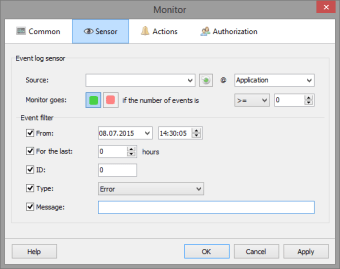
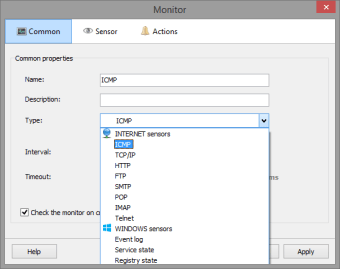
Total Network Monitor is linked to the outside world through sensors that provide TNM with all of the data for analysis. There is a variety of sensors for any occasion. Send a request for server monitoring via the network protocol, inspect a service, check the event log or Windows registry key value, find a string in a file on a remote computer, etc.: all of these tasks are a breeze for TNM.
Laws concerning the use of this software vary from country to country. We do not encourage or condone the use of this program if it is in violation of these laws. Softonic may receive a referral fee if you click or buy any of the products featured here.